Quick answer
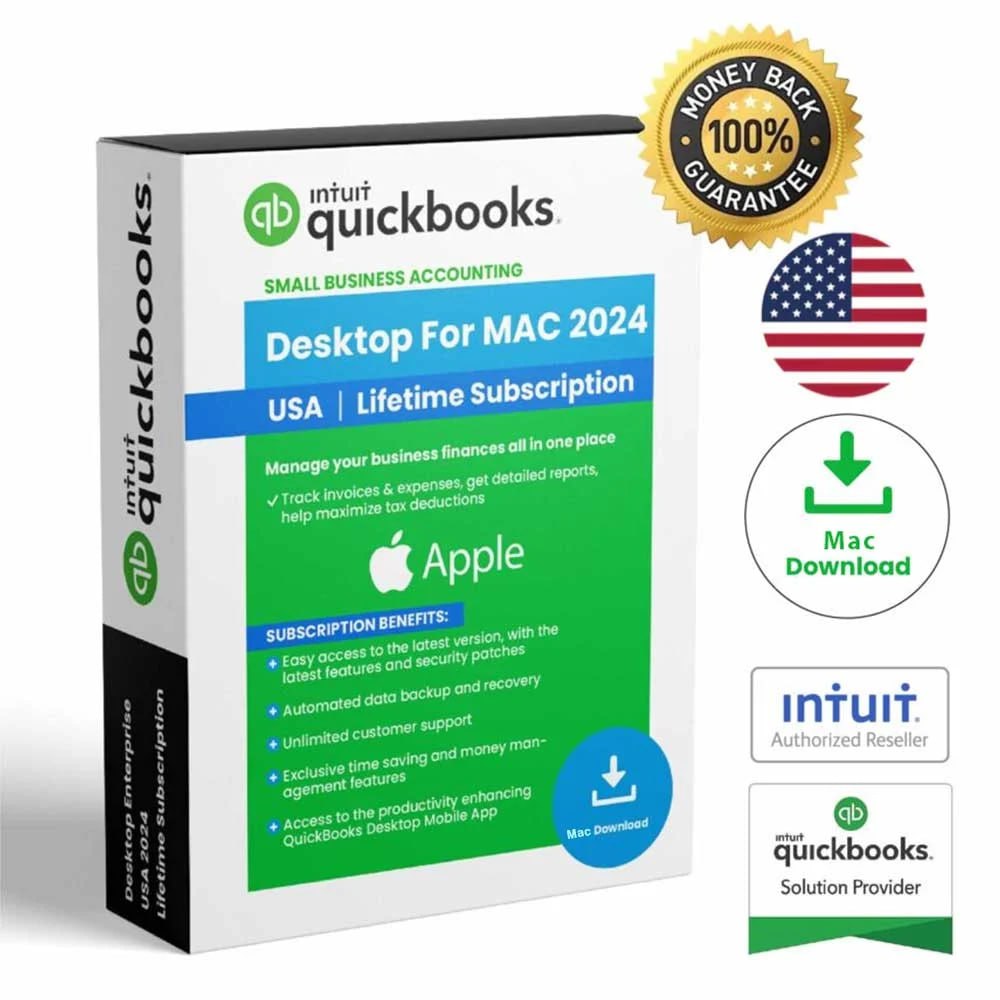
This page lists QuickBooks for Mac 2024 for $199 USD. The stated coverage is 1 user, on Mac. This is a digital product-key offer from SoftwareSeriel, the operator of DesktopBooksHub.
| Product | QuickBooks for Mac 2024 |
|---|---|
| Price | $199 USD |
| Platform | Mac |
| User coverage | 1 user |
| Delivery | Digital key by email after receipt verification |
| Estimated timing | 5 minutes–2 hours after verification |
| Payroll | Not included |
| Operator | SoftwareSeriel |
A Mac-to-Mac move starts with the Mac product
This offer covers QuickBooks for Mac 2024, not a Windows Pro, Premier or Enterprise installer. Record the current product year, exact macOS version and the edition that created your working company file. Check Intuit’s requirements for the destination Mac. A new model name does not prove that an older application supports its operating system. Purchased-version access does not promise compatibility with every future macOS update.
Bring the company data and check the attachment library
Intuit documents Mac backups in a .dmg container. When a backup includes an Attachments Library, the restore instructions include that library as a separate item to move and select in the application. Moving an application icon alone does not establish that the company file or attachments have moved. The Mac move guide links to the manufacturer’s restore workflow and gives you a short handover record to use before retiring the old computer.
Do not substitute a Windows restore procedure
A native Mac backup is not the same thing as a Windows .qbb backup. Moving between Windows and Mac is a conversion task with its own requirements; this listing does not include that service or guarantee a particular file can be converted. Keep the source file untouched and identify its actual product and year first. If you already own a suitable Mac entitlement, check the existing installation and activation terms before treating new hardware as a reason to purchase again.
Purchased-version access and its limits
The seller describes the 2024 offers as lifetime access to the purchased version, without a recurring monthly seller payment for that version. This is separate from Intuit’s product subscriptions, licensing rules and connected services. It does not include future annual versions, payroll, automatic upgrades, banking services, Intuit support, cloud hosting, file conversion or paid installation work. The applicable license and activation conditions still apply.
We are an independent reseller. This listing does not claim official Intuit partnership or authorization. Do not treat a product name, image badge or the price as proof that every service shown in the application is included. Keep the product, year, platform and user coverage together in your order record.
Installer and activation
Use the Intuit download selector for the matching product, country and year. Check the current requirements before changing a working computer. Install the matching application and follow its activation prompts with the delivered details. An installer, a product key and a company-file backup are separate things.
If the download does not match the order, identify that difference before continuing. For an activation error, record the exact message and the step where it appeared. Send a screenshot with full keys, passwords and accounting information hidden. The key price does not include remote access, file repair or a guarantee for an untested system.
Payment confirmation and problem review
Pay from this product page, then send the receipt, product name and delivery email. SoftwareSeriel reconciles the confirmation and emails the key. If there is a product problem, provide the order reference and a screenshot showing the issue for review under the refund policy. The policy does not promise an unspecified refund window or an automatic refund for every request.
Questions about this offer
Do I need to contact the seller before paying?
You can pay directly using the button on this product page. After payment, send your receipt, exact product name and delivery email to the seller. The payment page alone may not identify the chosen edition.
How do I receive the key?
SoftwareSeriel emails the key after receiving and verifying the payment confirmation. The estimate is 5 minutes–2 hours after verification. Check the delivery email spelling and spam folder.
What does the user count cover?
This listing states 1 user. That is not an unlimited-device or unlimited-team offer. Review the installation permissions attached to the delivered entitlement.
Is payroll included?
No. Payroll, additional connected services, hosting and future product years are outside the written key offer.
What if I already own this edition?
Review your existing license and reinstallation options first. Moving a company file does not itself affect the product license. This page does not guarantee that a specific historic key can activate on new hardware.
Can a product problem be reviewed for a refund?
Yes. Send the order information and a redacted screenshot showing the problem. The seller reviews the issue under the refund policy. Refund requests are reviewed against the reported product problem and order information.
Source notes
Manufacturer resources are external. Check the instructions for the exact product and situation. These guides do not certify a file, computer or activation result.